
Number Cruncher — What’s Inside
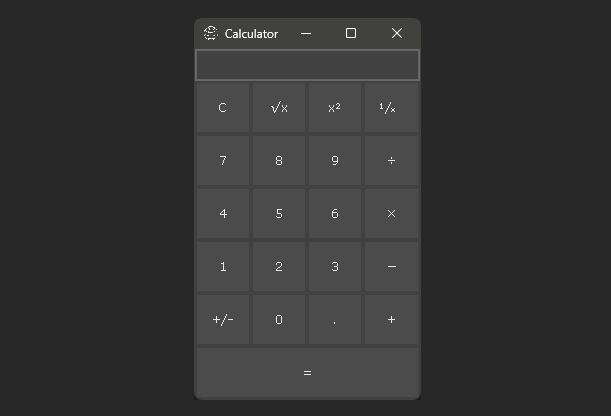
This template is a fully functional calculator application built in Open Dev Kit. It features a standard calculator interface with arithmetic operations, memory functions, and a clear display. The project demonstrates how to build a practical utility application with button-driven input and real-time display updates.
- A standard calculator interface with number pad and operator buttons
- Support for addition, subtraction, multiplication, and division
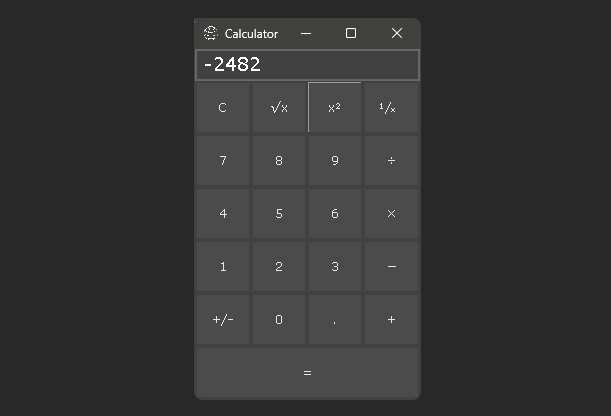
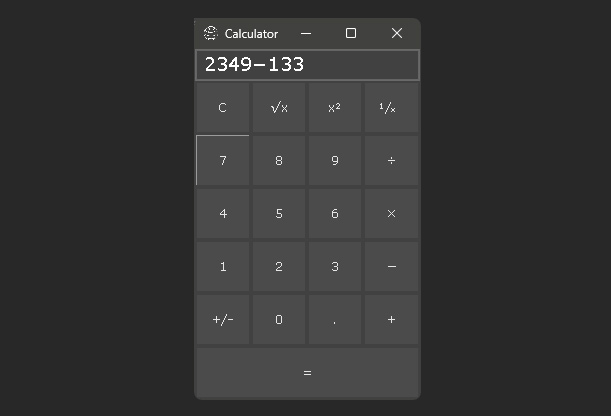
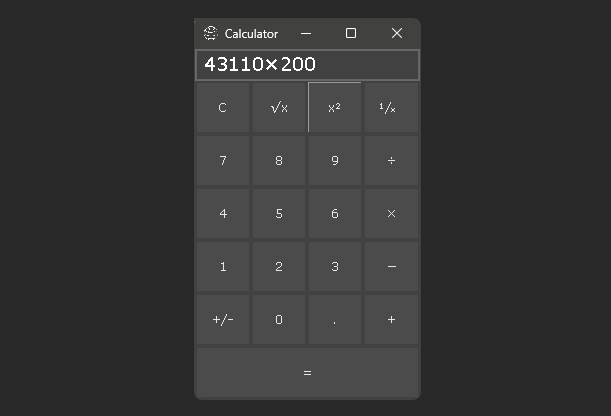
- A display that updates in real time as the user enters expressions
- Proper order of operations and chained calculation support
- A clean, responsive layout that adapts to different screen sizes
Under the Hood — What You’ll Learn
The Calculator template shows how to build a button-driven application with state management and expression evaluation in Open Dev Kit. These patterns are useful for any project that needs structured user input and computed output.
- Building a grid-based button layout with consistent styling
- Handling sequential user input and maintaining application state
- Evaluating mathematical expressions with correct operator precedence
- Updating a display in real time based on user actions
- Managing edge cases like division by zero and input overflow
- Structuring a UI-driven application with clear separation of logic and presentation
While simple in concept, this template covers important patterns for building any interactive application. The input handling and state management approach can be adapted for forms, data entry tools, or any project that processes user input through a structured interface.
Screenshots
Ready to build your own game?
No royalties. No income limits. No distribution fees. Start building today with Open Dev Kit.