
Terminal Basics — What’s Inside
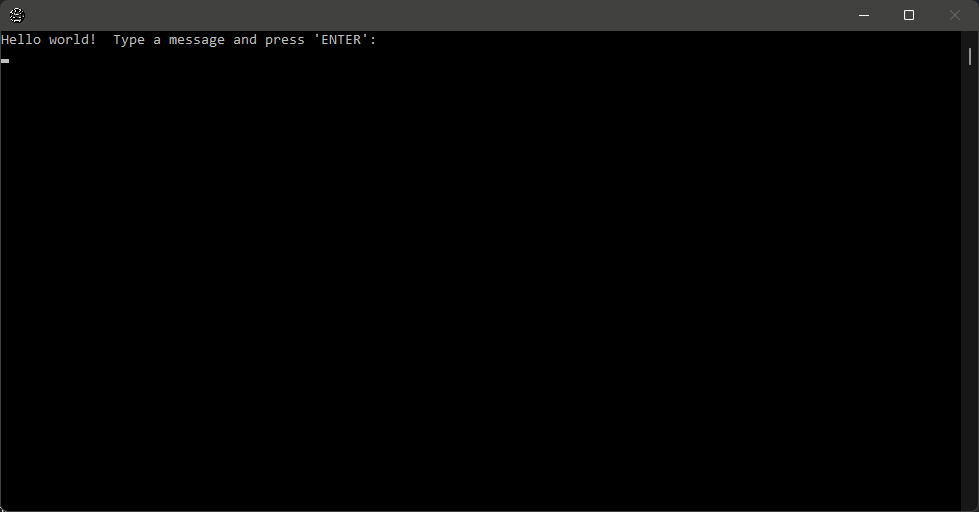
This template is a console-style application built in Open Dev Kit. It provides a text-based interface where users type commands and receive text output, similar to a terminal or command prompt. The project demonstrates how to handle text input, parse commands, and generate formatted text output within the Open Dev Kit environment.
- A console-style interface with text input and scrollable output
- A command parser that recognizes and executes typed instructions
- Formatted text output with support for colors and simple styling
- Command history that lets users recall previous entries
- A modular command structure that makes it easy to add new functions
Command Line — What You’ll Learn
The Console App template shows how to build a text-based interface in Open Dev Kit. These techniques are useful for debugging tools, in-game consoles, chat interfaces, or any project that relies on text-based interaction.
- Building a scrollable text display with automatic line wrapping
- Capturing and processing keyboard input for text entry
- Parsing user commands and mapping them to application functions
- Implementing command history with up and down arrow navigation
- Formatting text output with colors and alignment
- Structuring a command-driven application for easy extensibility
This template is useful for building developer tools, in-game debug consoles, text adventures, or any application that benefits from a command-line interface. The command parsing system is designed to be extended with new commands without modifying the core input and display logic.
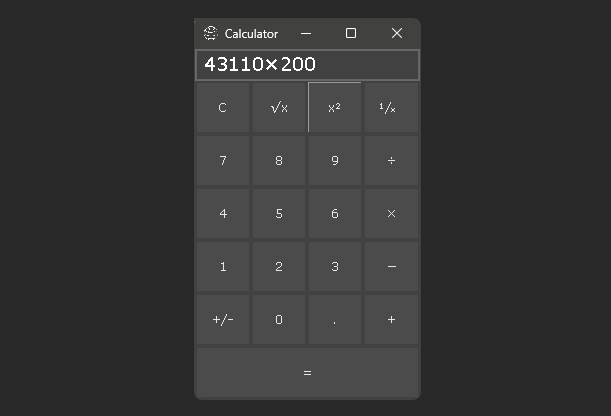
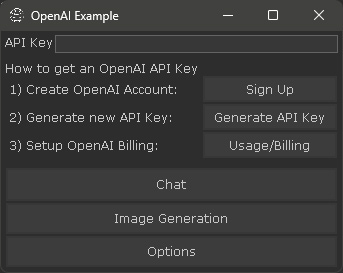
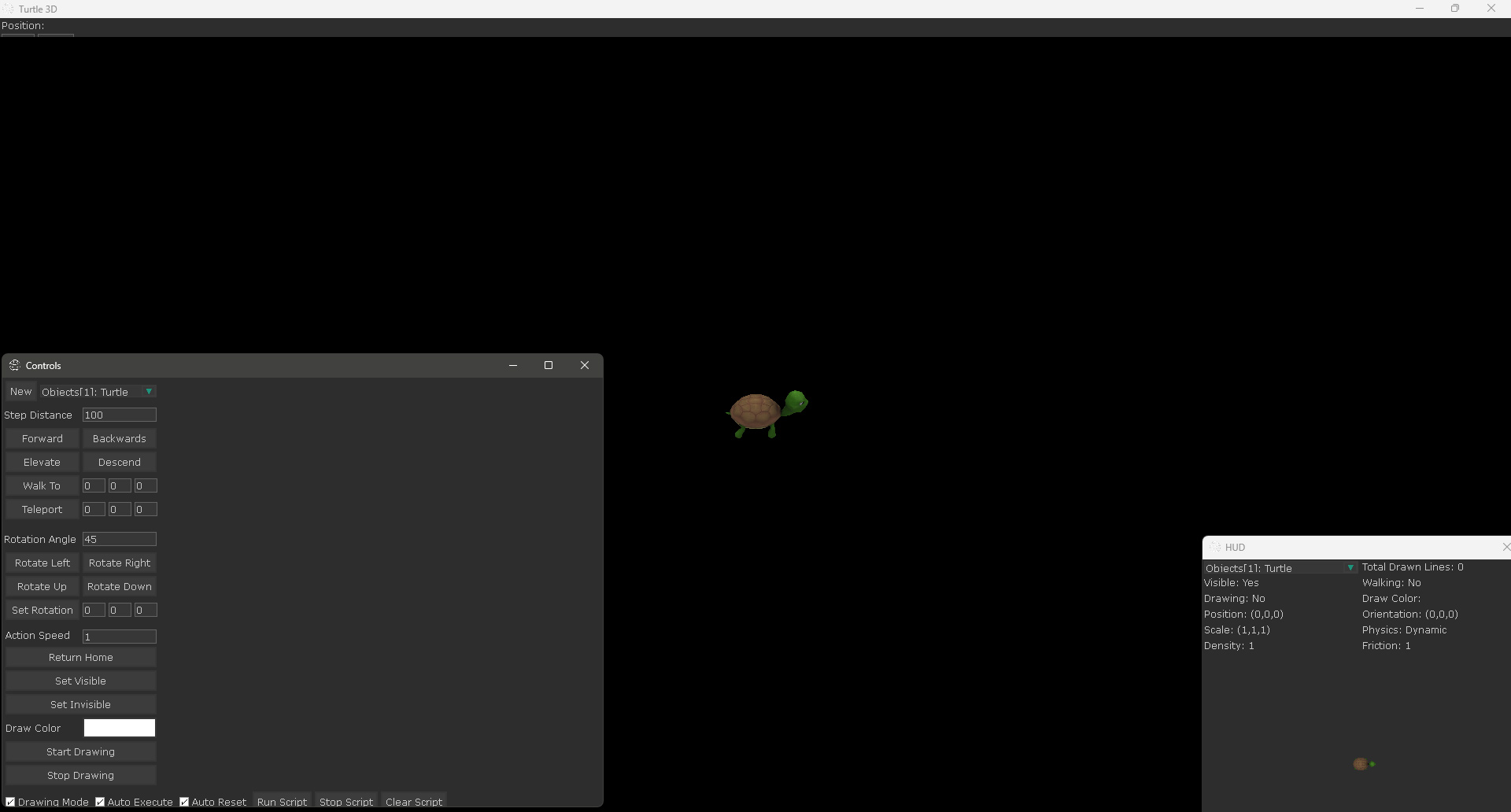
Screenshots
Ready to build your own game?
No royalties. No income limits. No distribution fees. Start building today with Open Dev Kit.