
Shell Command — What’s Inside
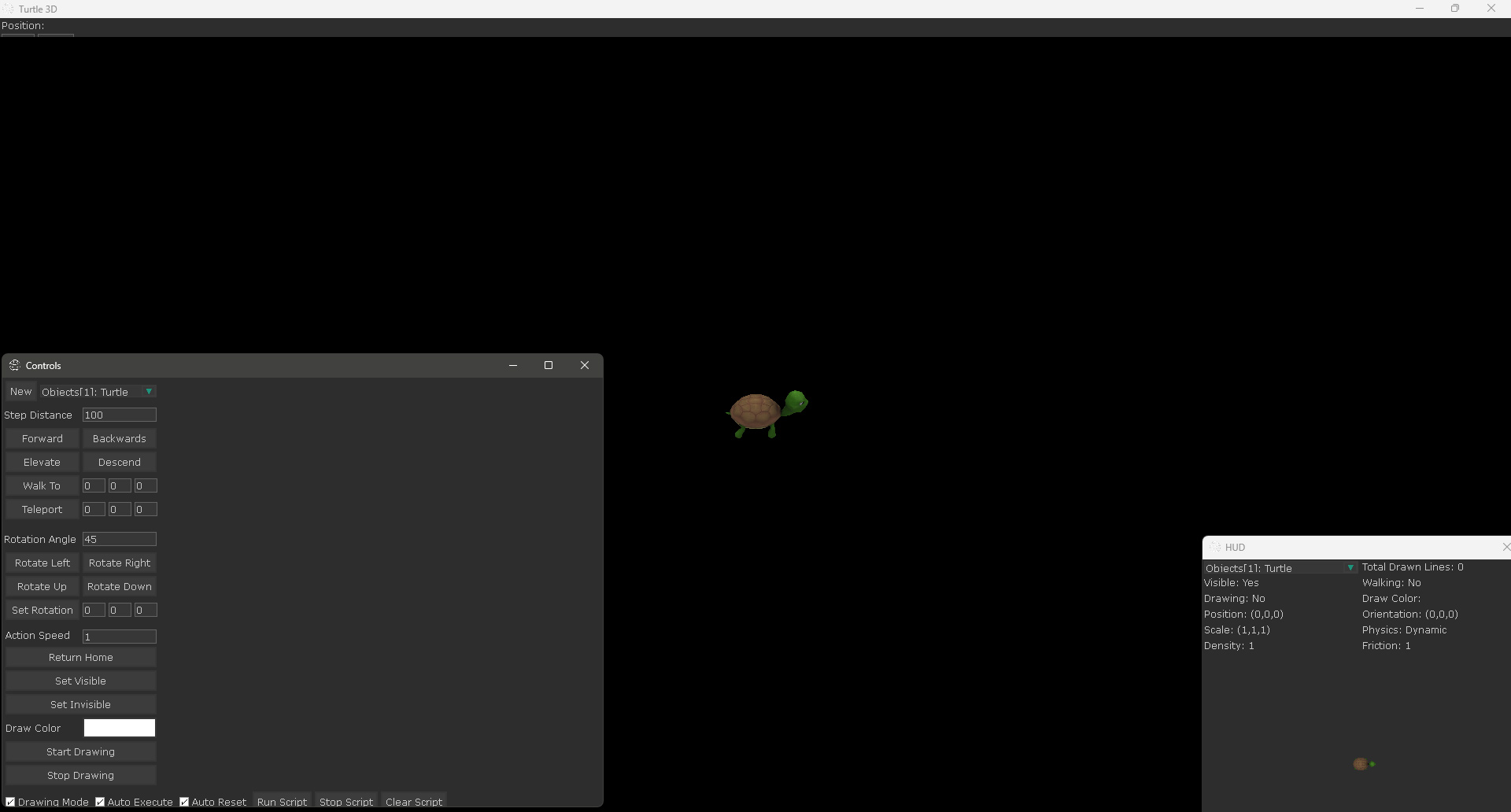
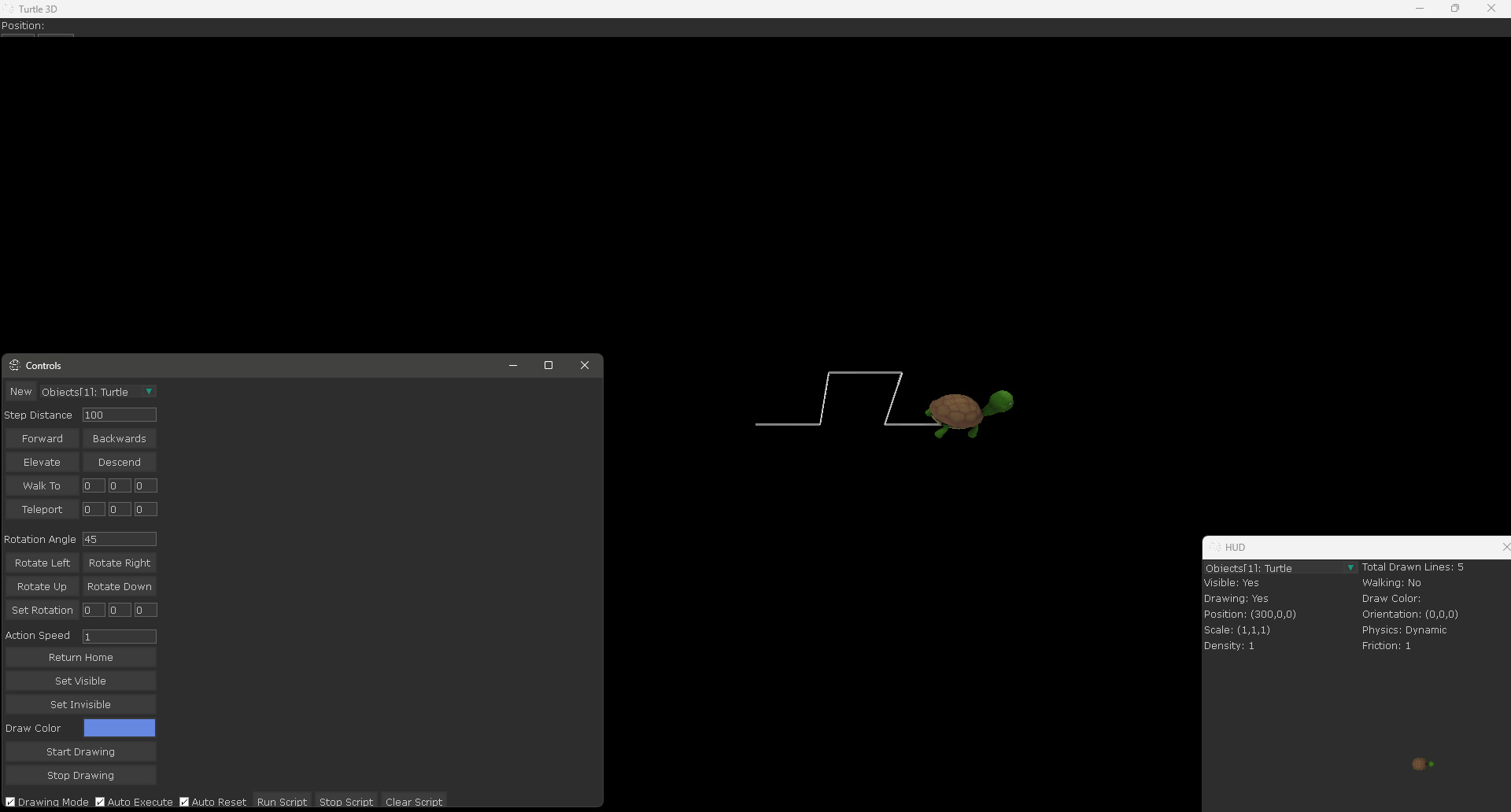
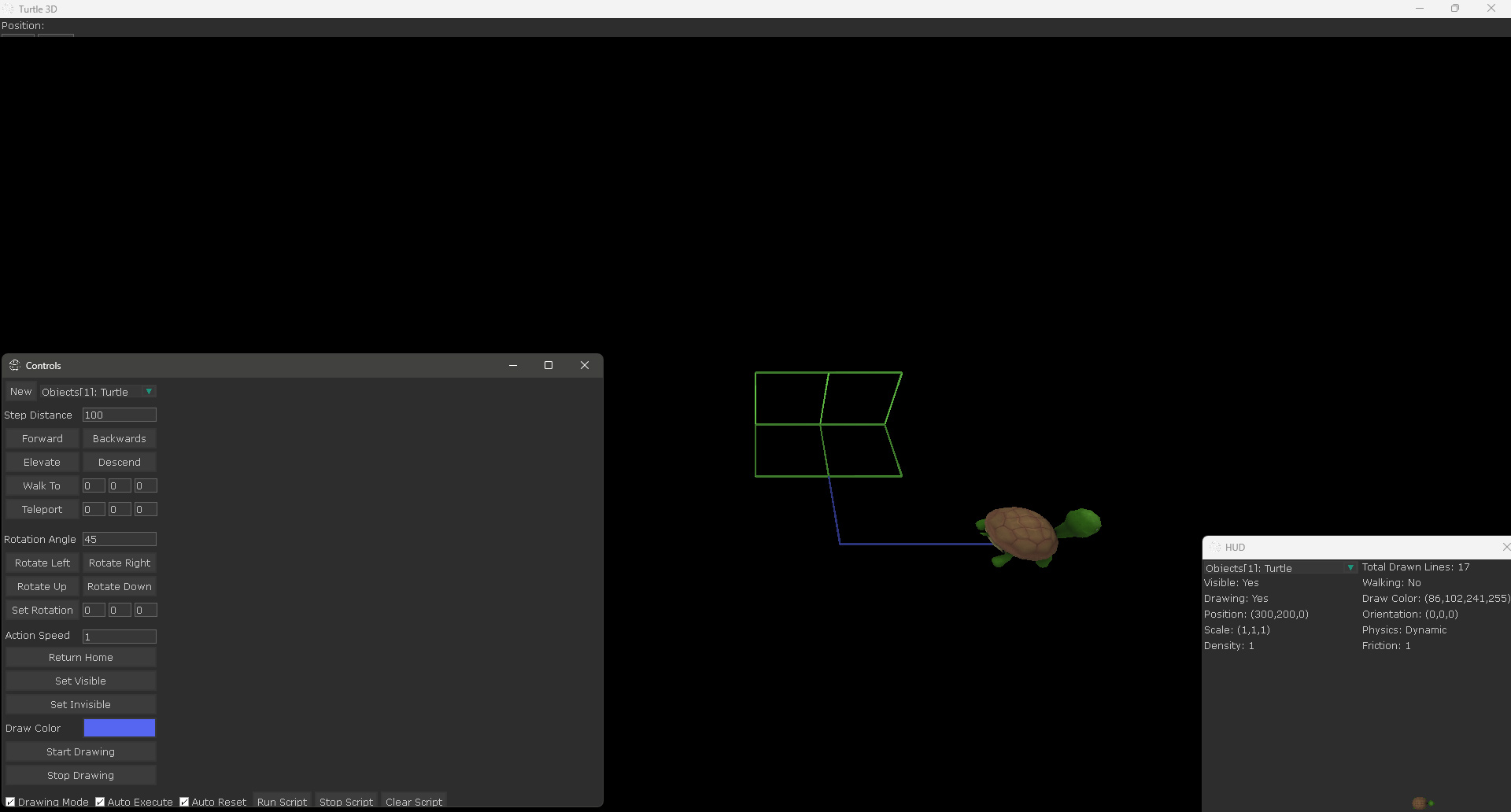
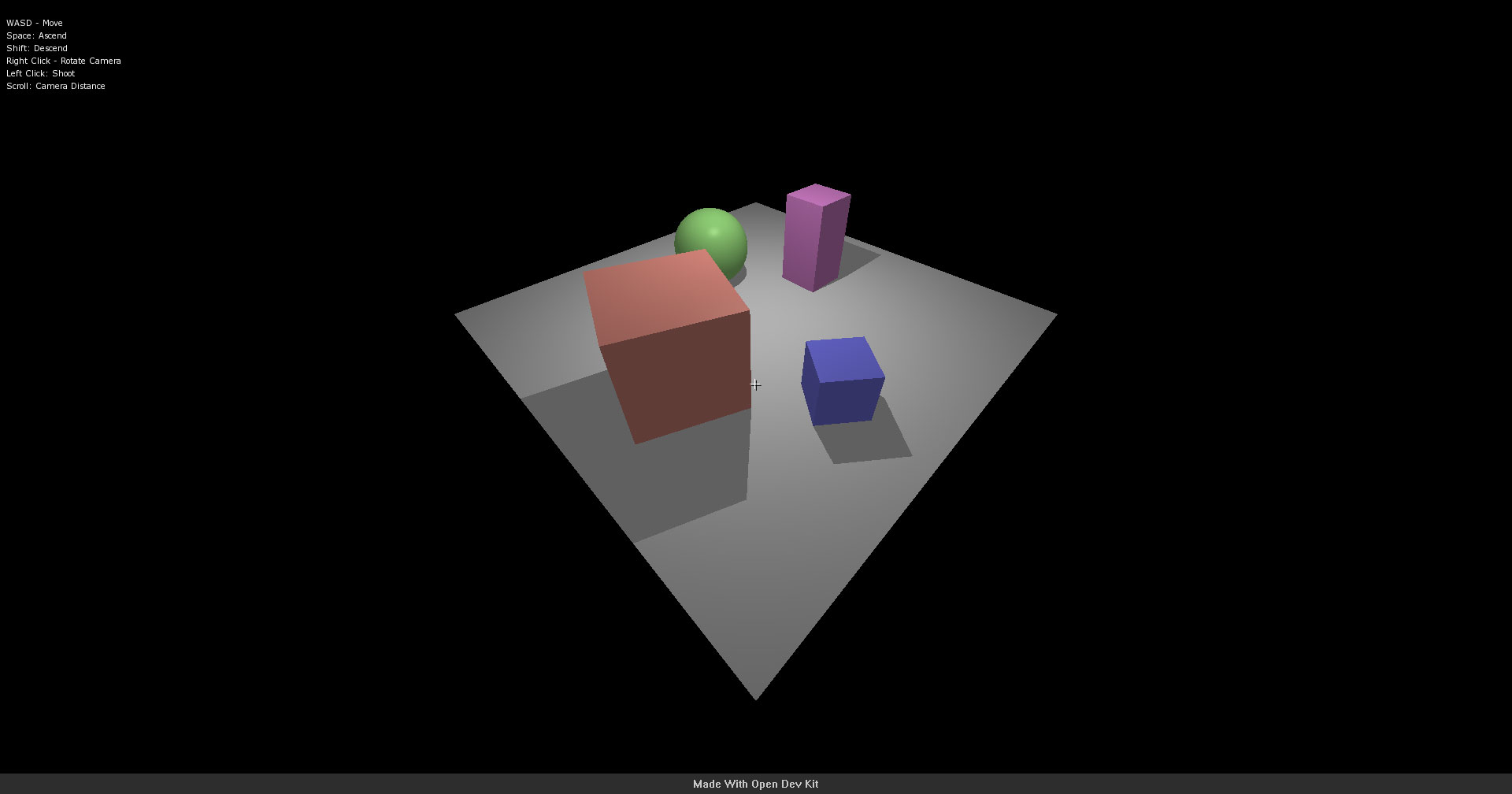
This template is a 3D turtle graphics environment powered by LUA scripting. Users write simple commands to control a virtual turtle that moves through 3D space, drawing geometric shapes and patterns as it goes. It is designed as an educational tool for learning programming concepts through visual, immediate feedback.
- A 3D turtle that responds to movement and drawing commands
- An embedded LUA scripting interface for writing and running programs
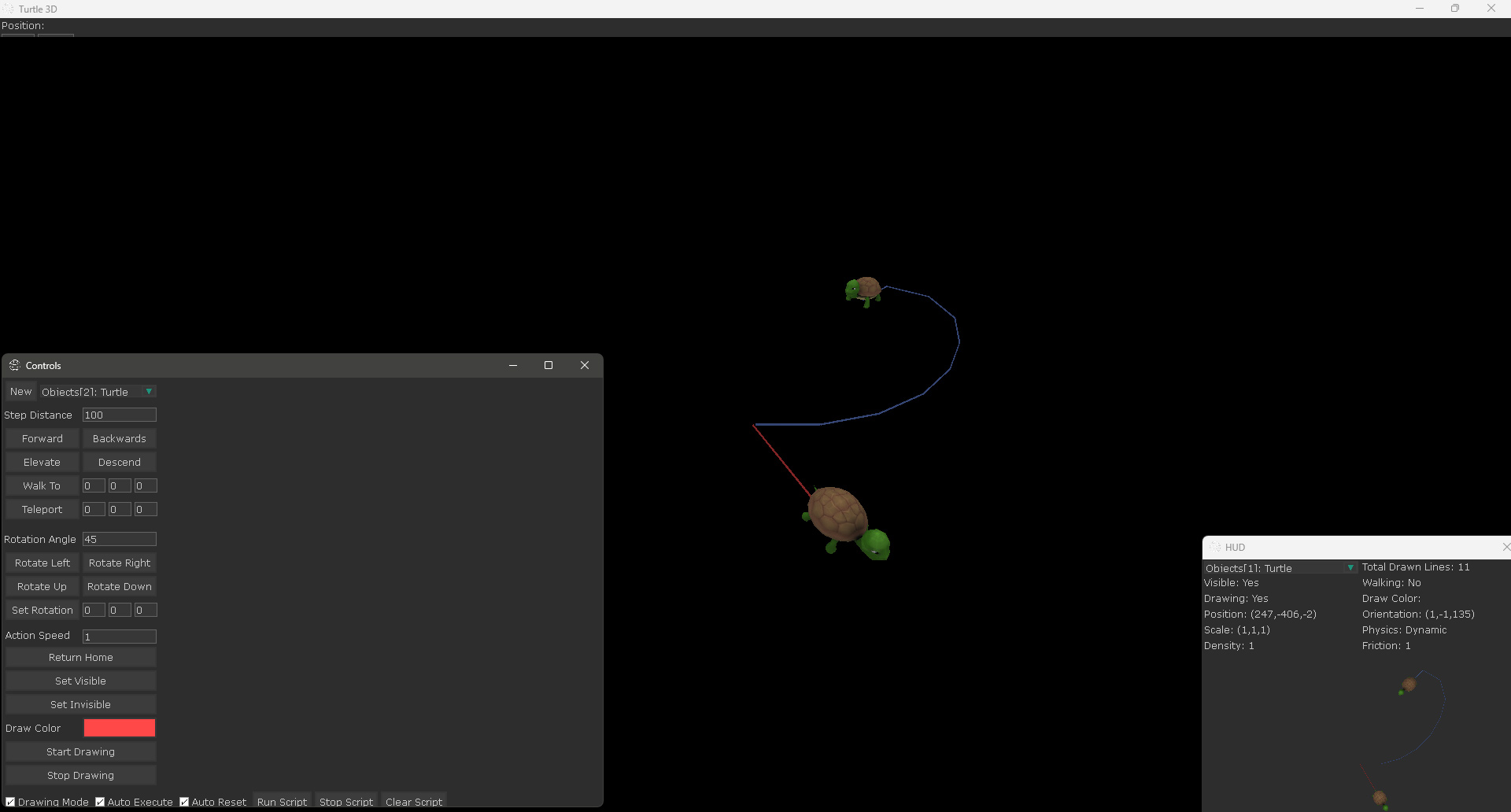
- Support for drawing lines, arcs, and complex geometric patterns in 3D space
- A camera system that follows the turtle or lets users orbit freely
- Example scripts demonstrating loops, functions, and recursion through drawing
Command Reference — What You’ll Learn
The Turtle3D template shows how to embed a scripting language into an Open Dev Kit project and use it to control objects at runtime. It is a practical introduction to both LUA integration and educational software design.
- Embedding and running LUA scripts inside an Open Dev Kit project
- Mapping script commands to 3D object movement and rotation
- Building a simple code editor interface with syntax feedback
- Rendering 3D line geometry from programmatic drawing commands
- Creating example programs that teach programming through visual output
- Handling script errors and providing helpful feedback to the user
This template works well as a foundation for educational tools, creative coding environments, or any project where you want users to control behavior through scripting. You can extend the command set, add new drawing primitives, or adapt the LUA integration for entirely different purposes.
Screenshots
Ready to build your own game?
No royalties. No income limits. No distribution fees. Start building today with Open Dev Kit.