
Thank you for helping us improve Open Dev Kit! This guide will instruct you on how to access the Staging/testing server.
You can only access the Staging server if a team member has authorized your account.
Step 1
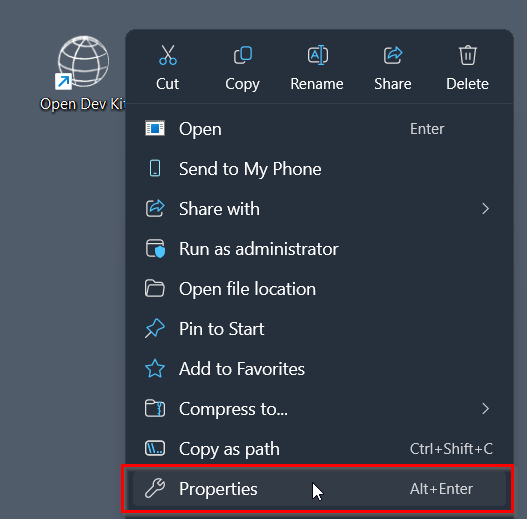
Right click your Open Dev Kit shortcut that was automatically created on the desktop, then select “Properties”.
Step 2
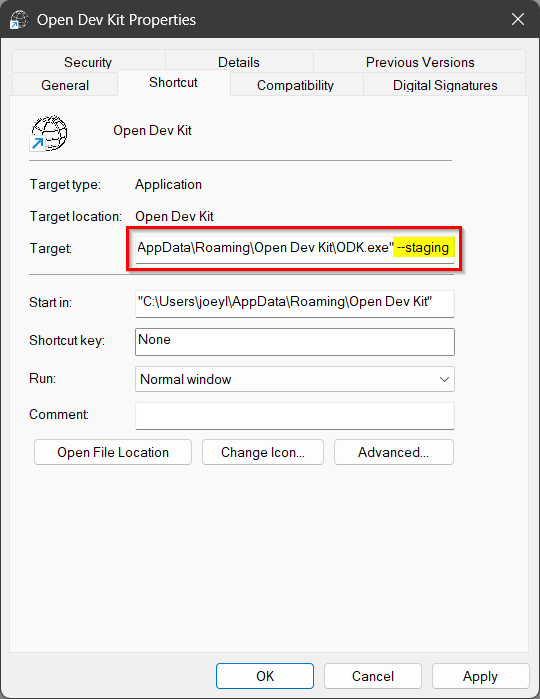
In the window that appeared, at the end of the “Target” field add --staging in all lowercase characters.
Step 3
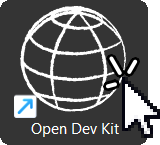
Launch Open Dev Kit
If you run into any issues with accessing the Staging server please let the team member that you are communicating with know!